


Payroll App
 Prev
Prev

Contents
Jump To:
View on GitHub:

Project Overview
The Project
This is a payroll app designed to assist a payroll clerk doing weekly payroll. The app has multiple forms - one for salaried, one for hourly - and accumulates a daily total for each.
The Goal
As the final project for the Programming 1 class, this project tested that we could make a multi-form application, modularize the code, validate input, use a public module for functions, handle scope, and write good logic.
Technology
VB.NET, Visual Studio .NET forms
Project Duration
December 2025
Setup Instructions
Software
To run this app, simply have Visual Studio installed with the .NET forms workload.
Download the payroll app file from the GitHub link above.
Open the folder and double click the .sln file.
Visual Studio will open the file. Allow for any updates if necessary.
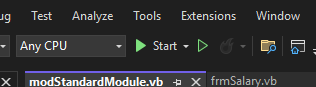
Click the green Start button at the top and the app should start running!
Running the Program
Main Page
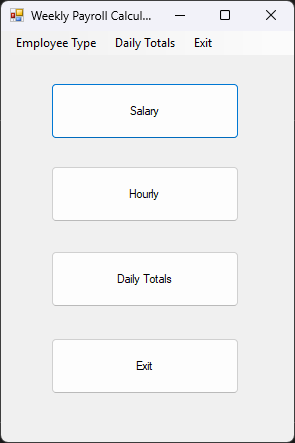
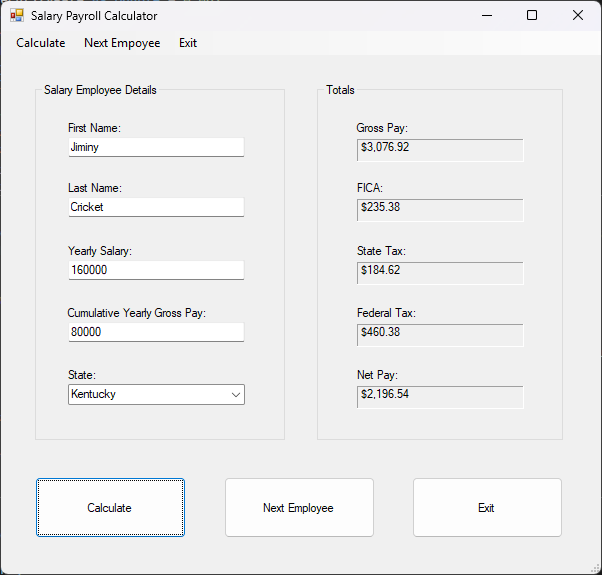
Upon opening the program, the main page will appear.
Select if the employee is hourly or salaried.
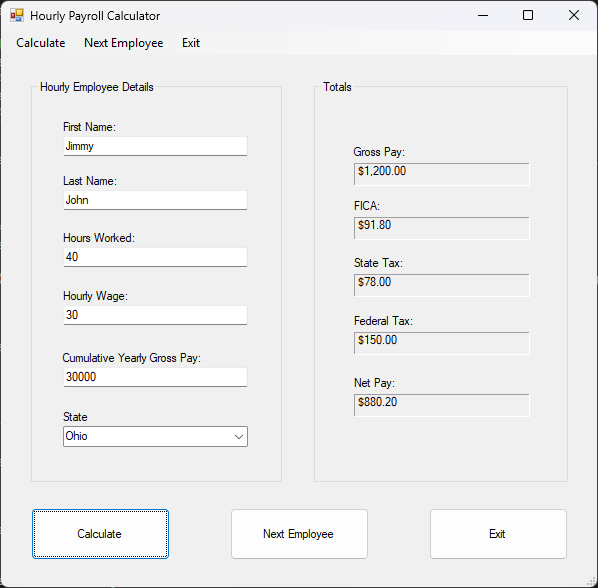
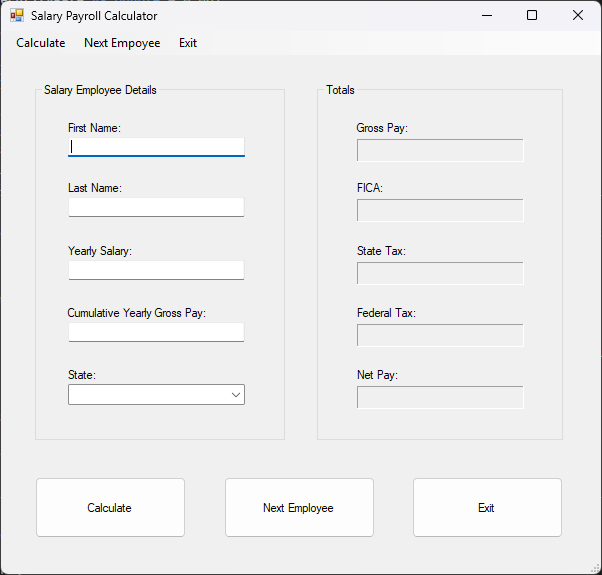
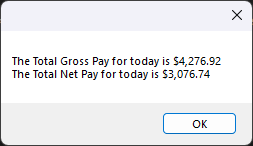
Enter information for each employee. A daily total for Gross and Net Pay accumulates.
The next employee button clears the input and output for the next entry. When done, press exit to enter for the other type of employees, or press Daily Totals to see the total accumulation.
Program Design
Design Documents
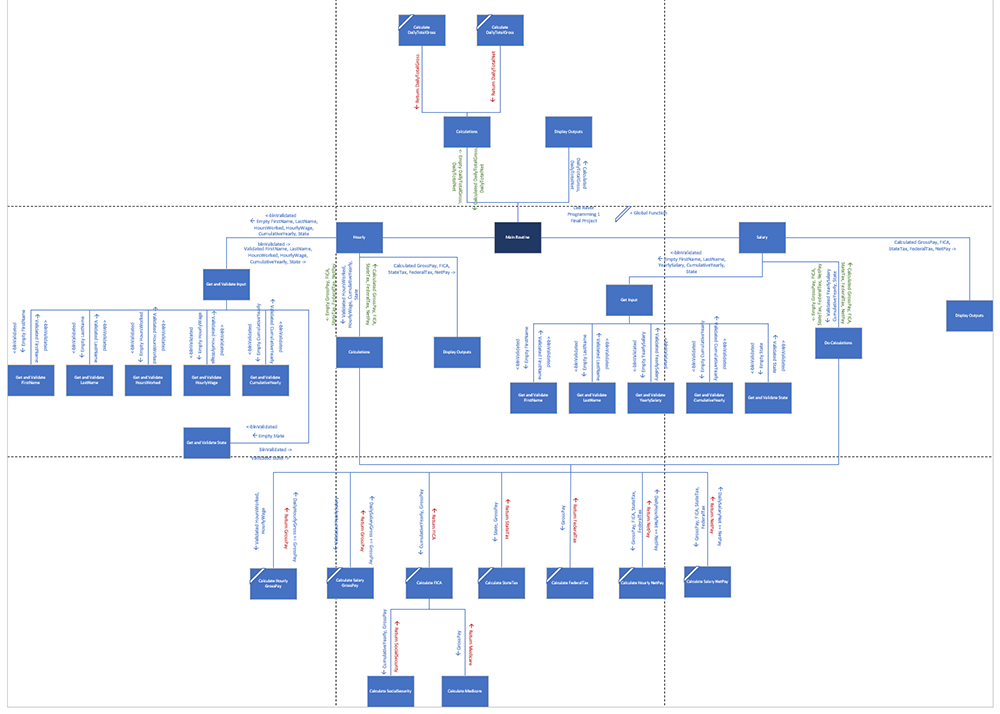
In the GitHub repo, the payroll-app-design.docx file shows the full design process for the app, including the logic and test cases.
The payroll-app-structure-chart.vsdx document is a structure chart of all the modules and shows the flow of information and variables through the program.
Going Forward
Takeaways
What I learned:
This project was a culmination of what I had learned througout the course. I learned the importance of organizing all code according to the Single Responsibility Principle. I learned a few ways to validate input and why it's necessary. We also covered private vs public functions, passing data by reference vs by value, scope, data types and how to design and document the logic for a program.
Next Steps
Something I'd like to do in the future is code this program in C#. The next step to make this program more useful would be to connect it to a database.