


Job Tracking Database
 Prev
Prev

Contents
Jump To:
View on GitHub:

Project Overview
The Project
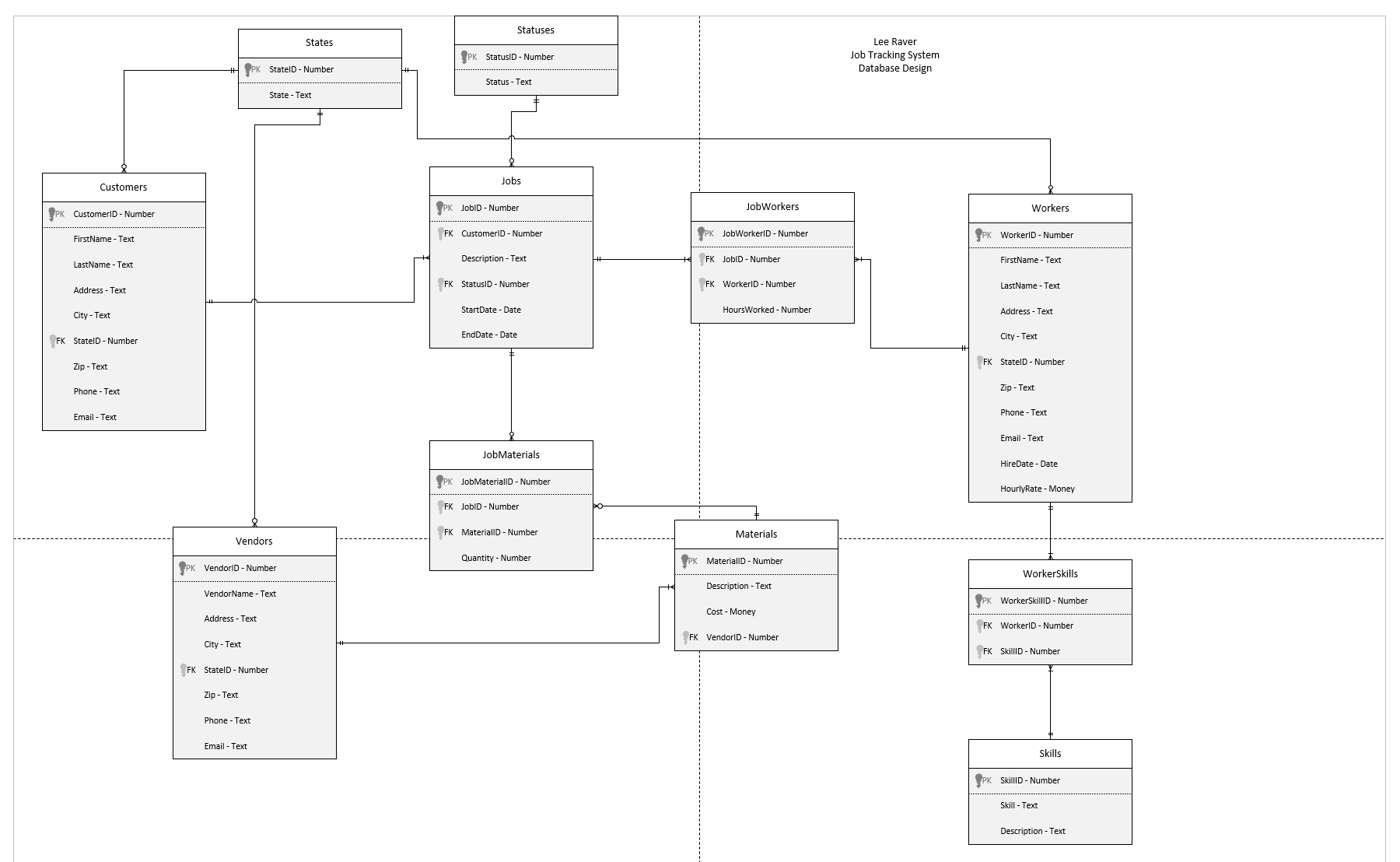
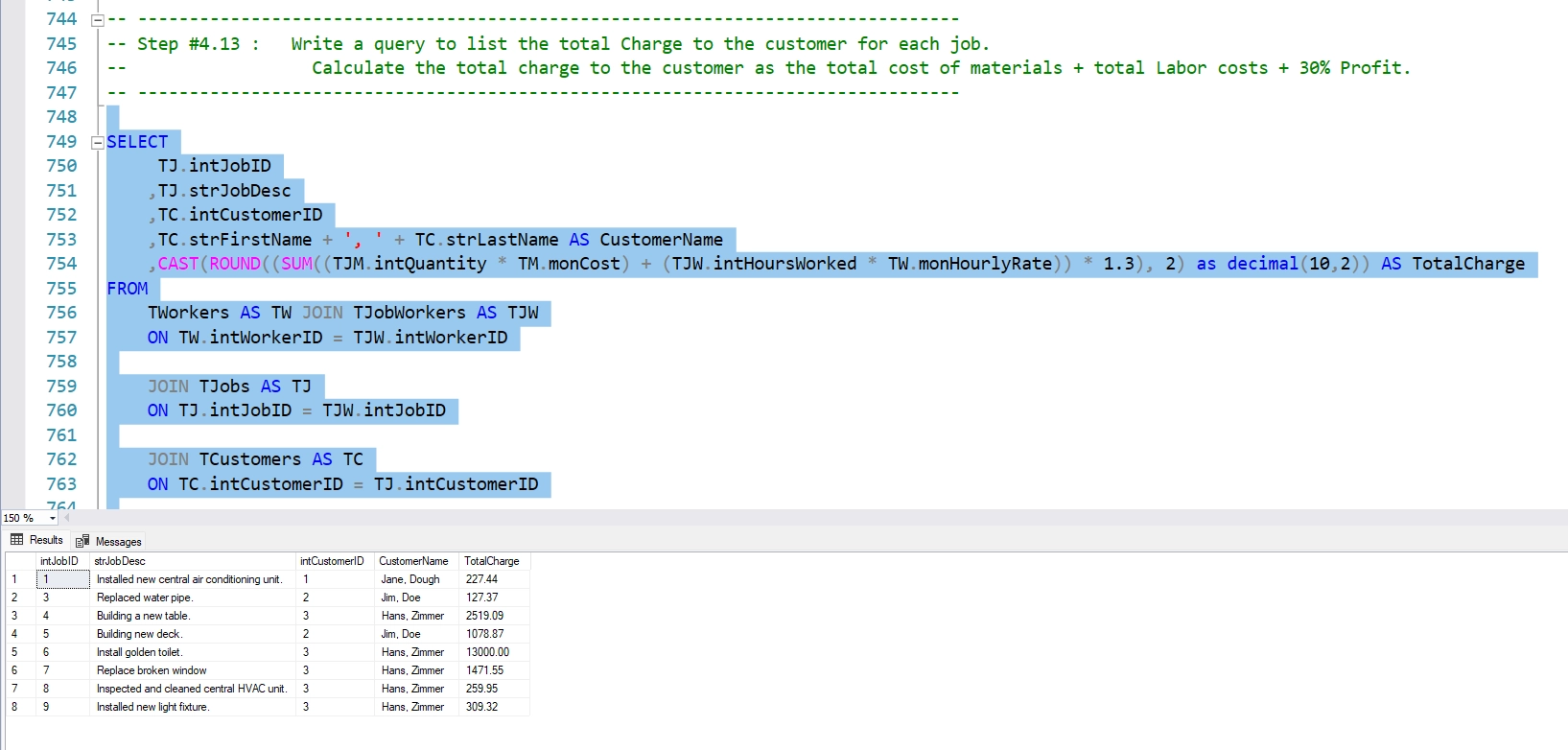
This is a database designed to keep track of jobs for service professionals such as plumbers, electricians, HVAC, etc. It tracks customers, jobs, job status, workers, materials, vendors, and more. There are also several queries to the database.
The Goal
The goal for this project was to design a fully normalized relational database based on the requirements, build it in Microsoft SQL Server, and write queries to it.
Technology
SQL, Microsoft SQL Server Management Studio
Project Duration
August 2025
Setup Instructions
Software
To run this app, first install Microsoft SQL Server Management Studio.
Next, download the .sql file from GitHub.
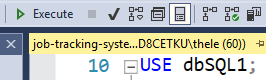
Open SQL Server Management Studio and select or set up a test database. Name the database dbSQL1, or alternatively change the name at the top of the .sql file to the name of your database: "USE dbSQL1".
Open SQL Server Management Studio and select File > Open > File and select the file you just downloaded from GitHub. If necessary, rename the database in the file to the name of your database environment.
Click the green Execute button at the top to run the script and create the database.
Press Ctrl + R to clear any query results or popups.
You can run specific snippets of code or queries by highlighting it with your mouse and then hitting execute while it's highlighted.
Running the Program
Create the Database
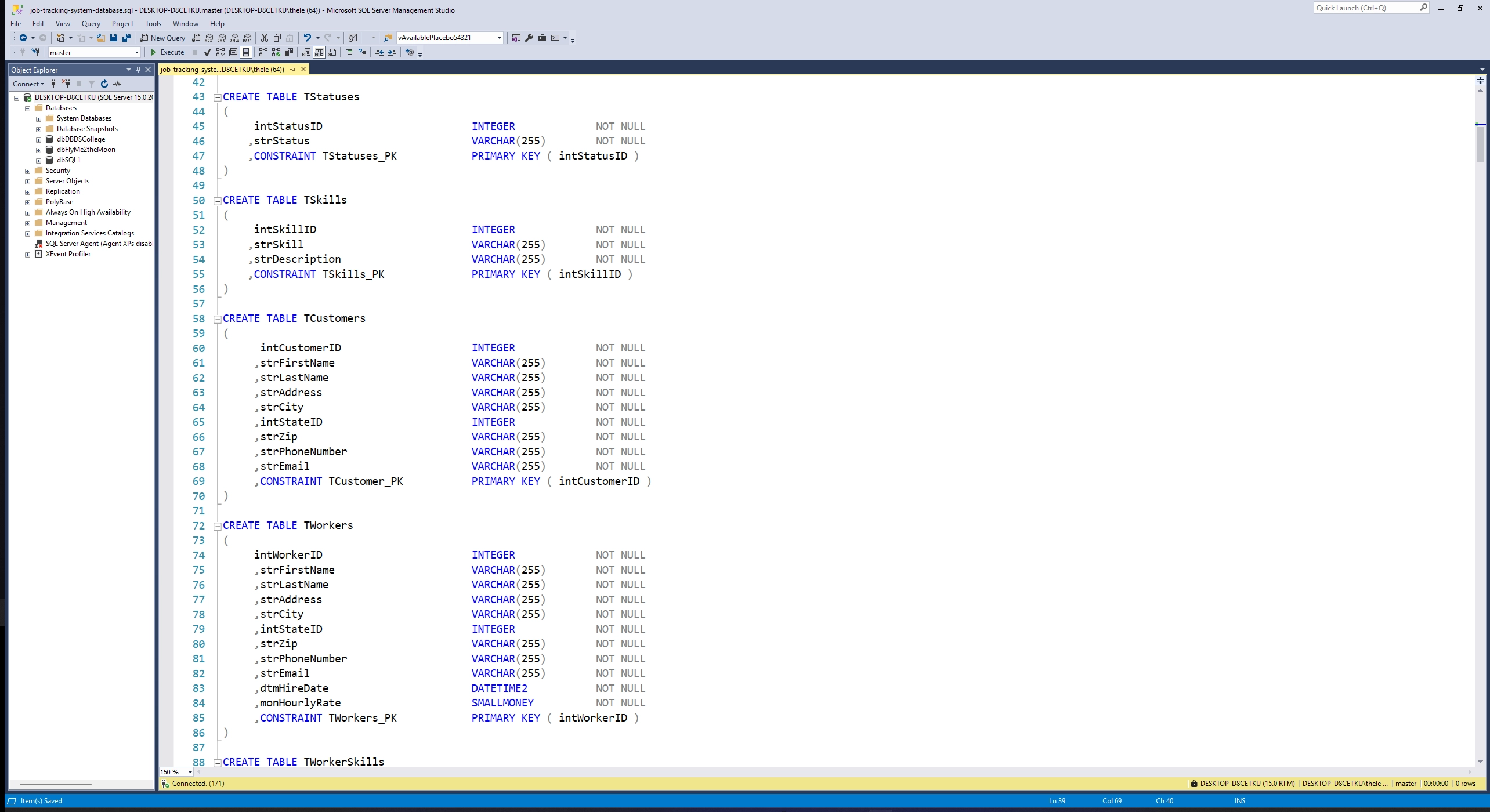
Clicking the Execute button while nothing is highlighted will create the database.
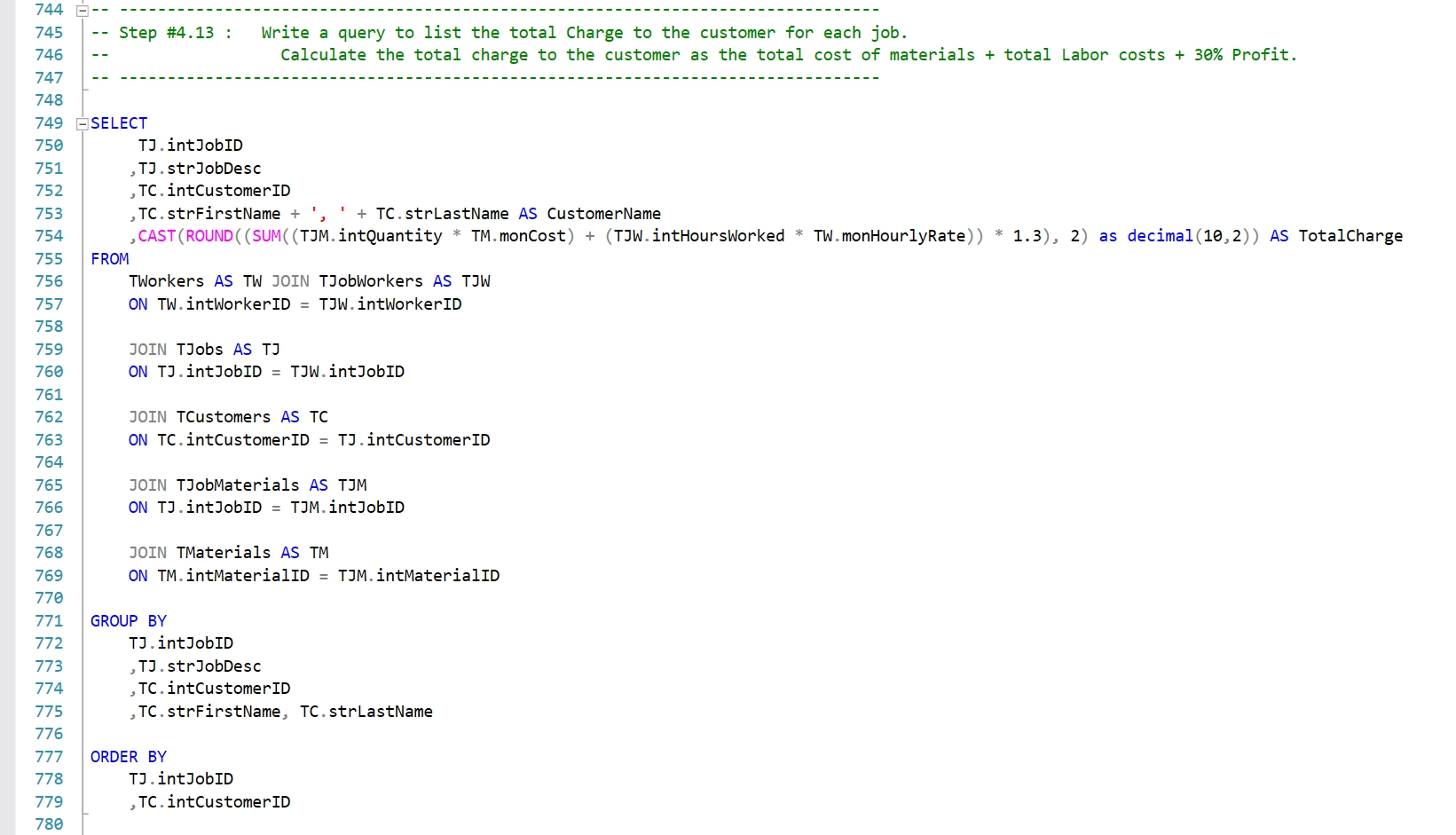
It will also execute all the queries and display the results. You can press Ctrl + R to clear the results.
You can selectively highlight certain queris and then press the Execute button to see the results for just that query.
Program Design
Design Documents
In the GitHub repo, the job-tracking-system-design.vsdx file shows the full database design, all the relationships, and the attributes of each entity. It has been normalized to Third Normal Form.
Going Forward
Takeaways
What I learned:
This project allowed me to practice designing a database from scratch based on some requirements, and to normalize it to Third Normal Form. I've found that crafting the perfect query that returns exactly the data you were looking for can be quite satisfying.
Next Steps
Now that the database is created, the next step would be to hook it up to an application.