


Research Study DB & Procedures
 Prev
Prev

Contents
Jump To:
View on GitHub:

Project Overview
The Project
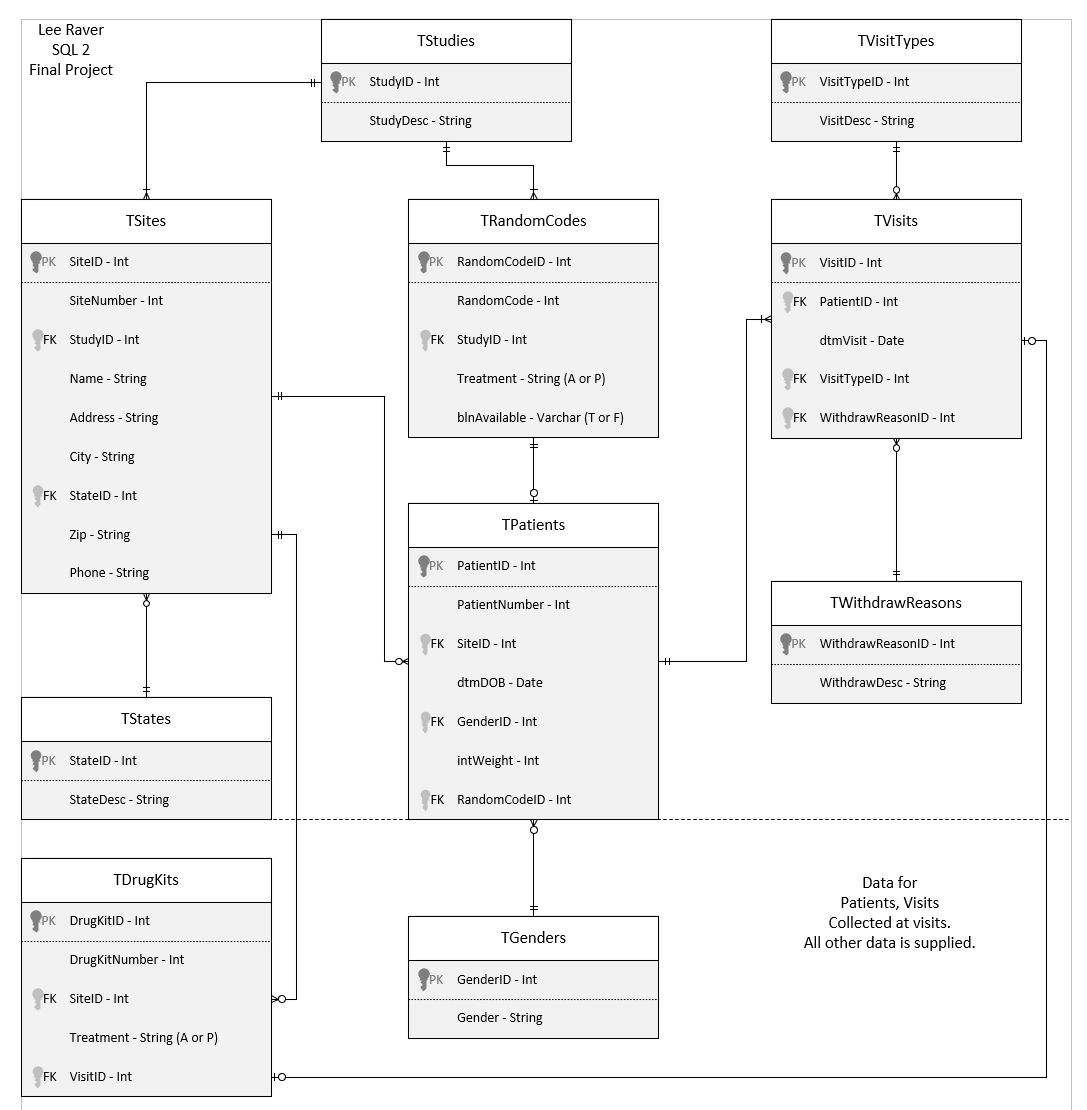
This is a database for a research company that runs multiple double-blind medical studies. For each study, there are multiple locations, doctors, treatments, and a placebo. The database requires three procedures to screen patients, randomize patients to a treatment and drug kit, and withdraw patients.
The Goal
The goal is to build the database based on the requirements, and then build views, functions, and stored procedures for the database to screen, randomize, and withdraw patients. The randomize procedure contains the logic to randomize two different ways for active vs placebo and drug kits.
Technology
SQL, Microsoft SQL Server Management Studio
Project Duration
November 2025
Setup Instructions
Software
To run this app, first install Microsoft SQL Server Management Studio.
Next, download the two .sql files from GitHub.
Open SQL Server Management Studio and select or set up a test database. Name the database dbSQL1, or alternatively change the name at the top of the .sql files to the name of your database: "USE dbSQL1".
Open SQL Server Management Studio and select File > Open > File and select the study-database-and-procedures.sql file. If necessary, rename the database in the file to the name of your database environment.
Click the green Execute button at the top to run the script and create the database, views, and procedures.
Press Ctrl + R to clear any query results or popups.
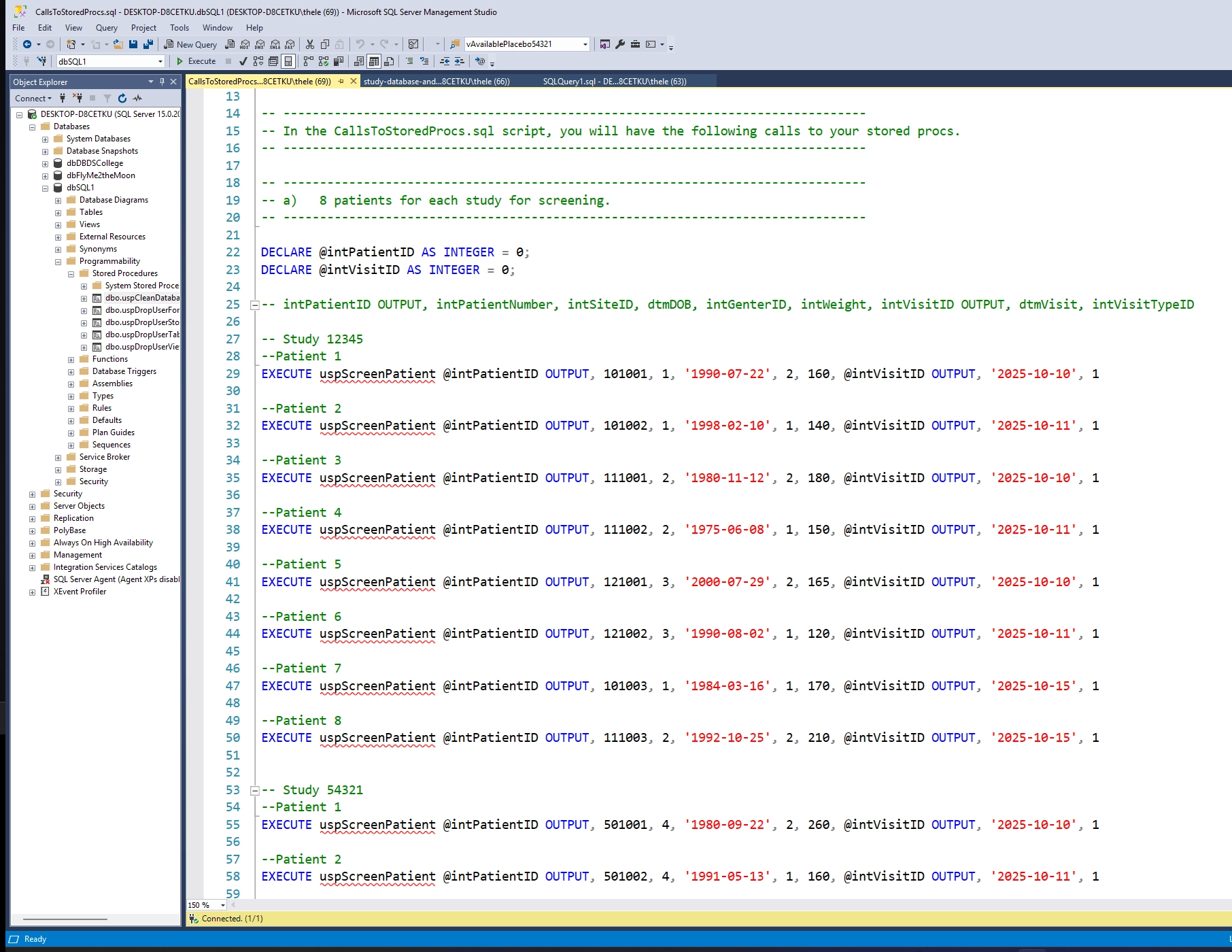
Then select File > Open > File and select the CallsToStoredProcs.sql file. This will call the procedures we just created with the last file. If necessary, rename the database in the file to the name of your database environment. It's okay if red squigglys appear on the procedure names - they're just in a different file. Press Execute to screen, randomize, and withdraw patients.
Running the Program
Create Database
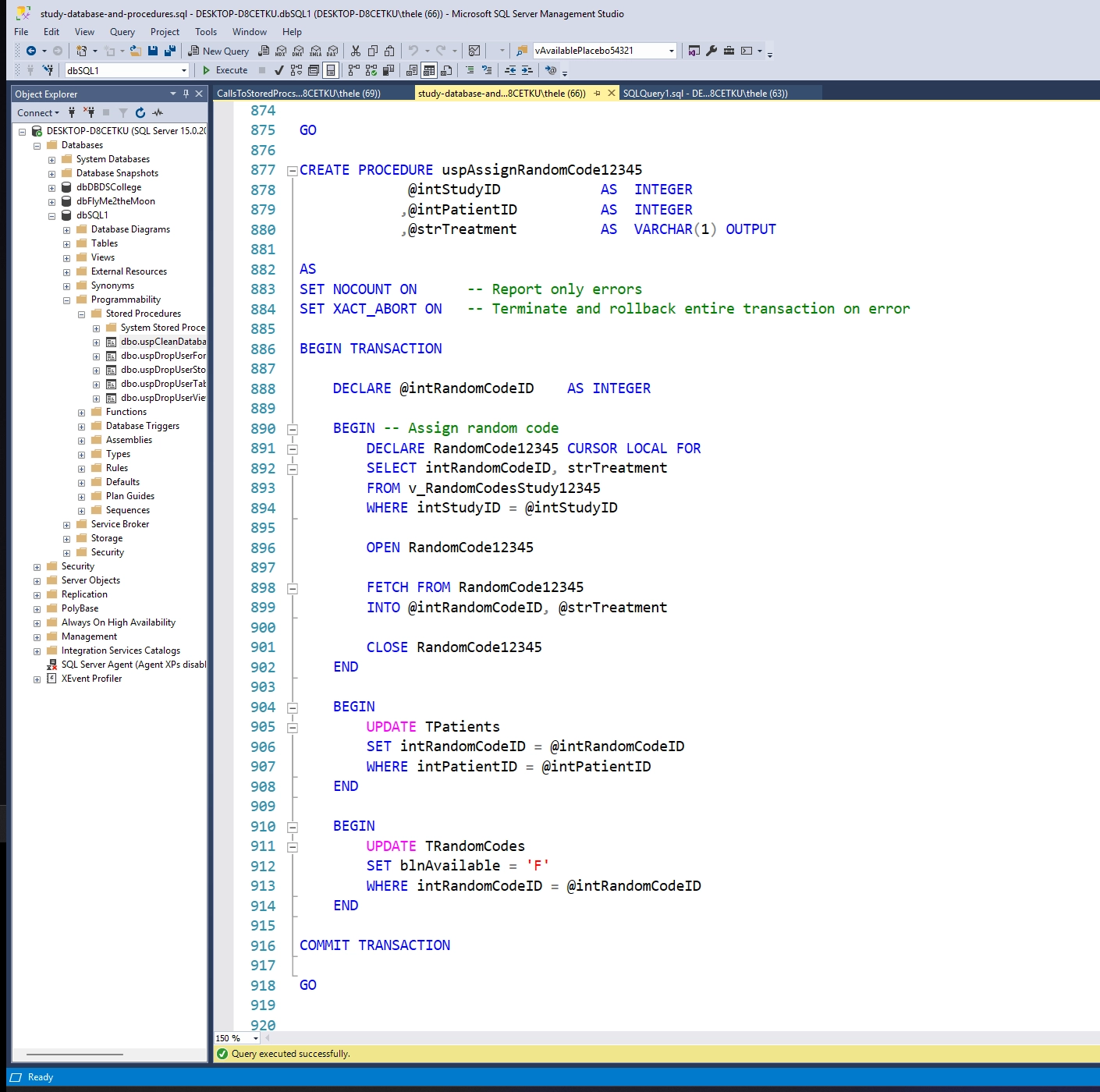
First open and execute the study-database-and-procedures.sql file.
This creates the database, views, functions, and stored procedures.
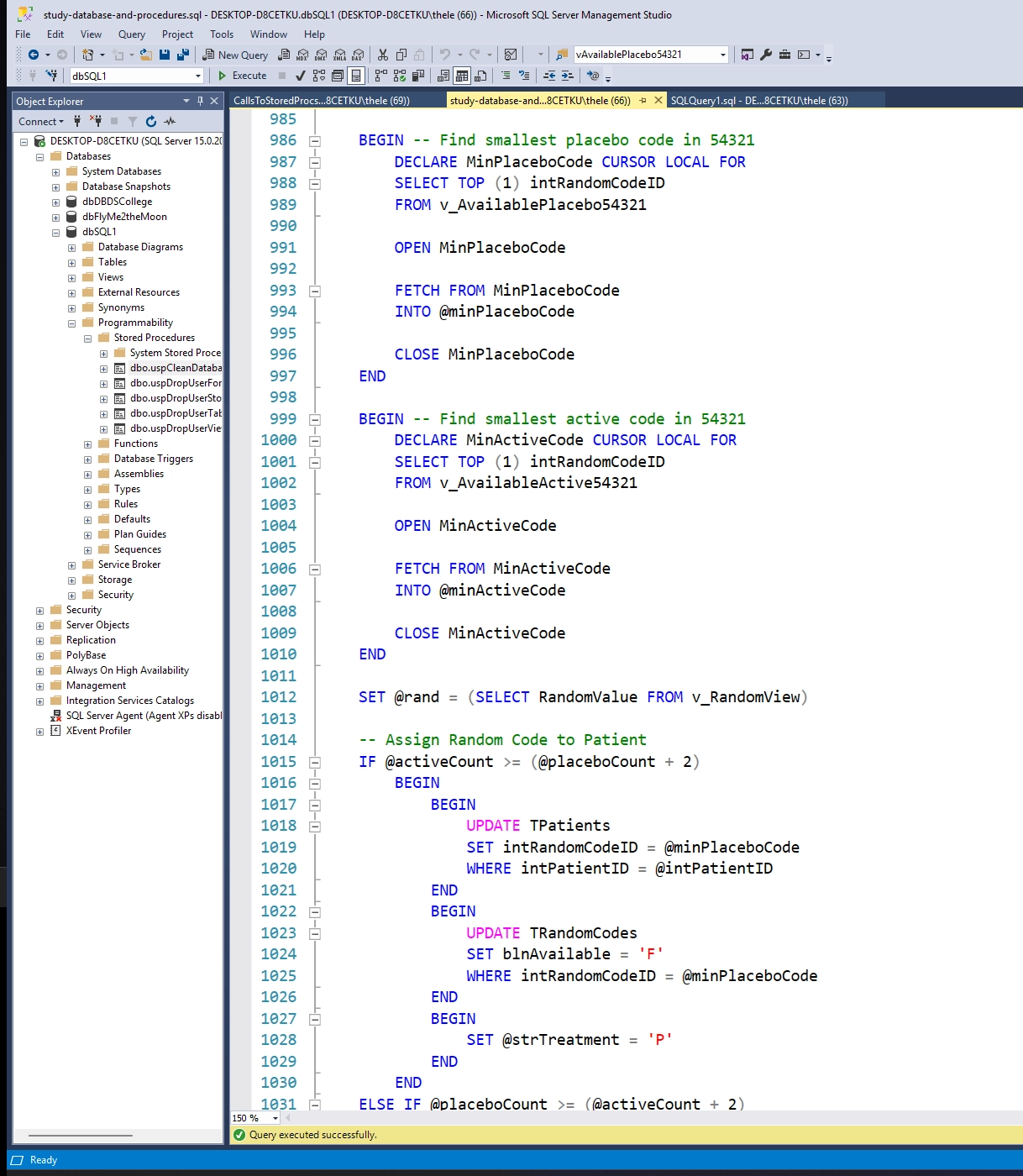
Then open and execute the CallsToStoredProcs.sql file.
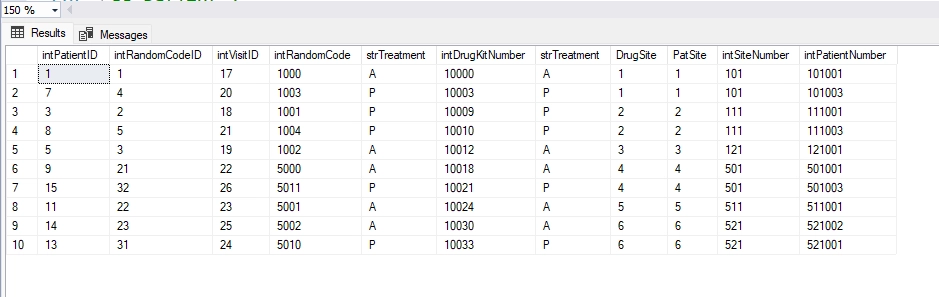
This runs the screen procedure to add many patients to the database, randomizes them depending on which study they're in and assigns a treatment type and drug kit, and then withdraws some of them from the study for various reasons.
Program Design
Design Documents
In the GitHub repo, the study-database-design.vsdx file shows the design and relationships for the database.
Going Forward
Takeaways
What I learned:
This project was quite challenging and I think reflected a real-world level of difficulty. I had to have a solid understanding of views, cursors, functions, transactions, and stored procedures to finish this project. The ramdomize patient procedure in particular was a beast. I had to break it up into four smaller procedures. I'm quite proud of it.
Next Steps
This database is ready to go in a real world scenario. The only thing to do now is to call the procedures from an app.